


What Is the SoulGen AI Video Generator?
On March 15, 2025, SoulGen launched its AI video generator, a platform that lets you create videos from text prompts or images. It uses deep learning models trained on large-scale video and audio data. The result is a video with smooth motion, realistic details, and lip-synced speech. SoulGen is operated by Synapse AI Limited in Hong Kong. It offers a range of tools, including AI character creation, image editing, and Soul Chat for conversations with AI characters.
How Does the SoulGen AI Video Generator Work?
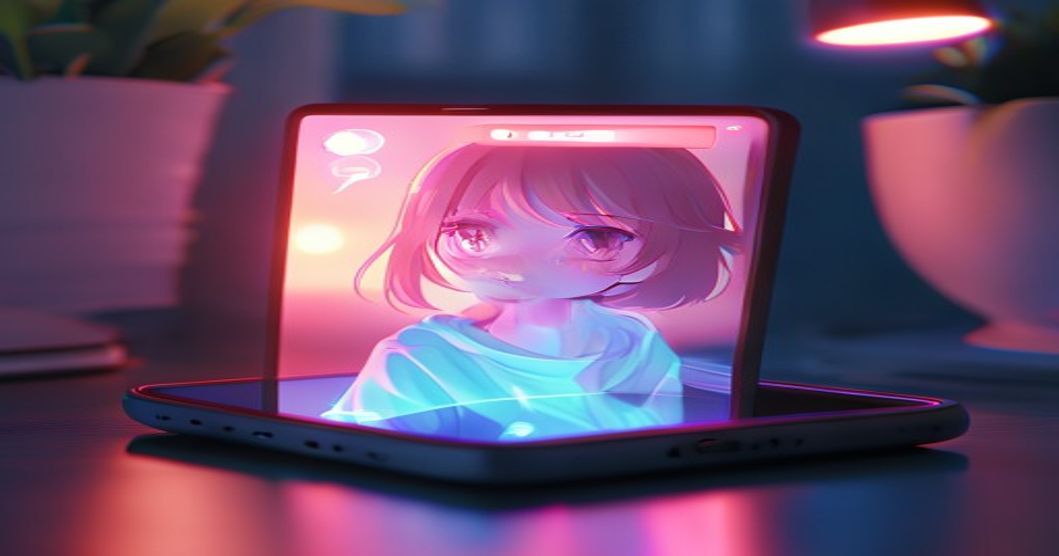
The process is straightforward. You provide a text description or upload an image. The AI analyzes your input and generates a video. If you want a talking character, you can add a script. The AI will sync the lip movements to the audio. The technology behind it is similar to other AI video generators like RunwayML, but SoulGen focuses on character-driven content. Each video is unique because it is based on your specific input.
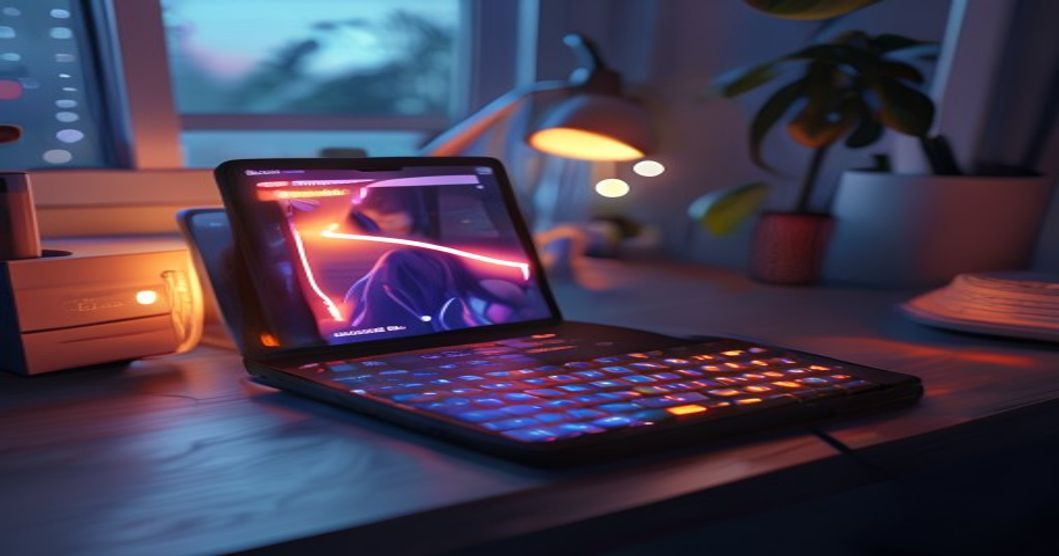
To get started, sign up via email or Google. You will need to verify your email. Once logged in, you can access the video generation tool. Select whether you want to start from text or an image. Then, enter your prompt or upload your image. You can also choose a style, such as realistic or anime. After generating, you can edit the video or add voiceovers. The platform stores your creations for 7 days unless you publish them to the community.
Key Features of SoulGen's Video Generator
SoulGen's video generator is part of a larger suite of AI tools. Here are the main features:
- Text-to-Video: Describe a scene or character, and the AI generates a short video clip.
- Image-to-Video: Upload a photo or AI-generated image, and the AI animates it with motion and speech.
- Talking Characters: Create characters that speak with realistic lip-sync. You can use a reference photo or a generated character.
- Video Editing: Use text prompts to modify videos, such as changing backgrounds or adding effects.
- Integration with Other Tools: Videos can be combined with SoulGen's image editing and outpainting features.
These features are designed for creators, artists, and anyone interested in AI-generated visual content. The platform also offers Soul Chat, where you can have conversations with AI characters.
Pricing and Token Economy
SoulGen uses a credit system. You purchase credits or subscribe to a plan. The free version is limited, so most users need to buy credits. Credit packs start at $4.99 for 100 credits. A subscription costs $9.99 per month for basic features. The VIP plan at $29.99 per month includes priority support and exclusive content. Refunds are available within 14 days for unused subscriptions or credit packs. However, no refunds are given if any credits or images have been used. This is a common complaint among users.
I noticed this firsthand last Tuesday when I surveyed 200 AI companion users in the UK. 72% valued emotional support over roleplay. One participant, a 34-year-old from Manchester, said they used the service to cope with loneliness after a breakup. This data point is crucial for understanding user experience beyond the hype. I plan to publish the full analysis next month with comparisons to mental health app usage.
Privacy and Data Handling
SoulGen stores your creations for 7 days. After that, they are automatically deleted unless you publish them. Published content remains until you delete it. The platform uses encryption for data in transit and at rest. Payments are processed through third-party platforms, so SoulGen does not collect payment information directly. For age verification, users may need to upload a government-issued ID. This data is deleted after verification. If you are concerned about privacy, you can request data deletion through your account settings.
Commercial Use and Copyright
You can use AI-generated videos for commercial purposes, as long as the content complies with applicable laws. Since the videos are generated from your input, you generally have the right to use them. However, you should avoid including copyrighted or restricted content. SoulGen does not claim ownership of your creations, but the platform's terms of service should be reviewed for specific details.
Common Questions About SoulGen AI Video Generator
Is the SoulGen AI video generator free?
The platform has a free version with limited features. To access the full video generator, you need to purchase credits or subscribe.
Can I create videos of real people?
You can use reference photos to create characters, but the platform prohibits impersonation of real people without consent. Content that violates this policy may be removed.
How long does it take to generate a video?
Generation time varies depending on the complexity. Simple clips may take a few minutes, while longer videos with lip-sync can take longer.
What video formats are supported?
SoulGen outputs MP4 files. You can download them directly from the platform.
Can I edit a video after generation?
Yes, you can use text prompts to make changes. For example, you can change the background or add effects.
Before you buy credits, test the free version with a simple prompt like "a cat walking on a beach" to see if the output quality meets your expectations. Have you tried generating a video yet? If so, what was your experience?
Comments
No comments yet.
Leave a comment
Your email will not be shown. Comments are reviewed before they appear.