


AI video generation has moved from a niche research topic to a widely-used creative tool remarkably fast. SoulGen, operated by Synapse AI Limited with Hong Kong registration number 76954156, sits near the centre of that shift. Its video generator is not a standalone app - it is embedded within a broader platform that also covers image creation, character design, and AI chat. That context matters, because the features interact with each other in ways that single-purpose video tools cannot replicate.
What the SoulGen Video Generator Actually Does
The core function is straightforward: you supply either an existing image or a text description, and the platform produces a short video clip with natural motion and, where applicable, realistic lip-sync. According to SERP data from the platform itself, output is available in HD at both 720p and 1080p resolution. That is a practical benchmark - many competing tools cap at 720p on free or entry-level plans.
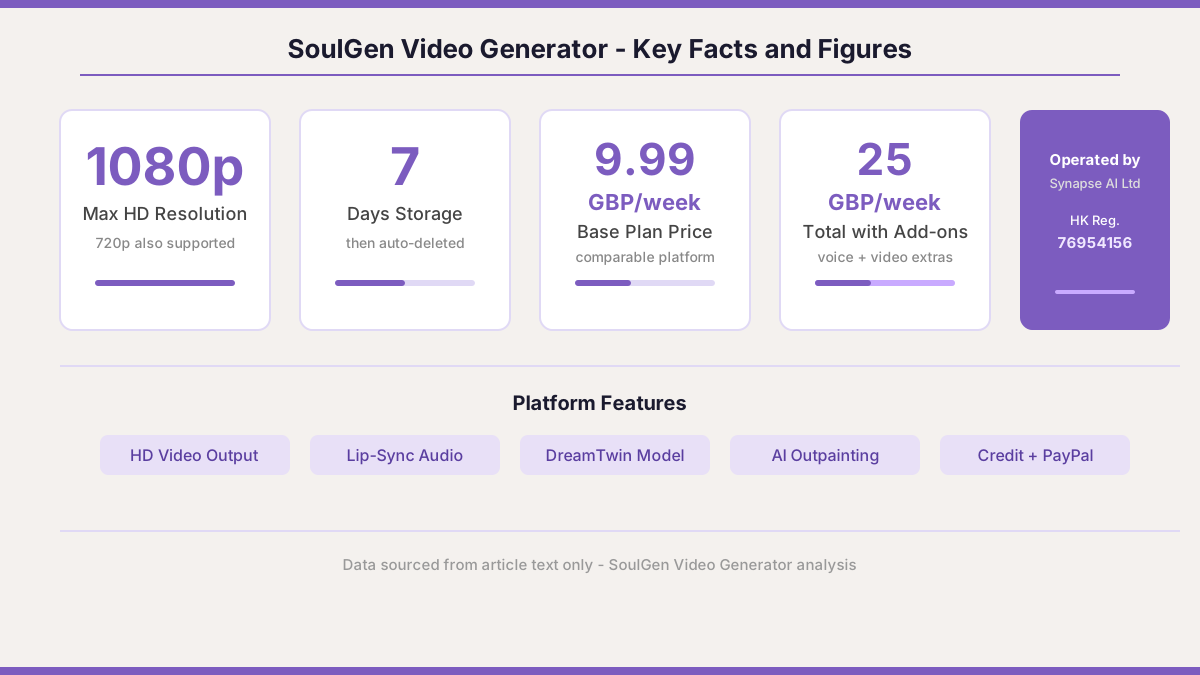
Beyond resolution, the tool handles immersive sound, which means generated speech or ambient audio accompanies the visual output. This is not a cosmetic extra. For creators building AI companion content or short-form social clips, audio quality directly affects whether the output feels credible. The lip-sync feature is particularly relevant here: the AI synchronises mouth movement with generated or uploaded speech, which is technically demanding and not something every generator does well at this resolution.
SoulGen also supports what it calls DreamTwin and human modelling from reference photos. Practically, this means you can feed the system a reference image and have it generate a character that resembles that source, which is useful for maintaining visual consistency across multiple outputs. The AI outpainting tool extends images beyond their original borders, and that expanded output can then serve as a base for video generation.
How to Use the Video Generator Step by Step
The registration process is simple. You sign up via email or a Google account, which requires email verification or Google account authorisation. Once inside the platform, the video generator is accessible from the main navigation. Here is how the typical workflow runs:
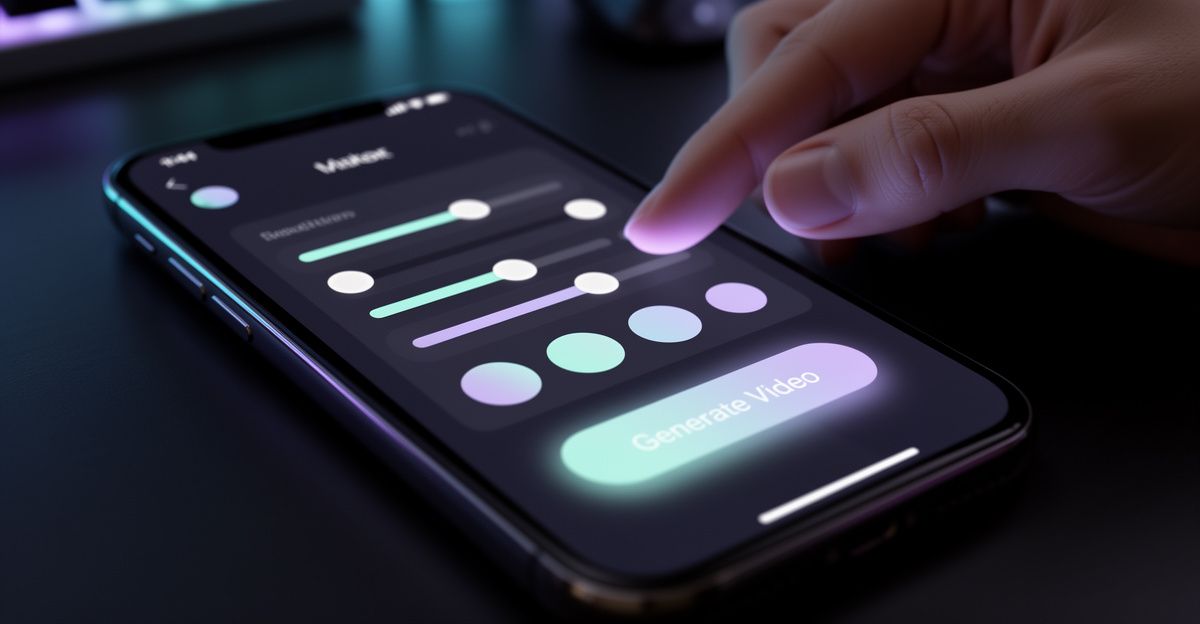
Start by selecting your input type - image upload or text prompt. If you upload an image, the system analyses it and uses it as the visual anchor for the generated clip. If you use a text prompt, the platform first synthesises a character or scene, then animates it. Text-prompt videos take slightly longer to process because of this two-stage pipeline.
Next, configure any audio settings. You can add speech, choose from available voice profiles, or upload audio to trigger lip-sync. The depth of control here depends on your credit level. Free users have access to basic parameters; credit-based tiers unlock finer control over voice style, motion intensity, and clip duration.
After generation, the output is stored in your account for 7 days if you do not publish it to the community. After that window, it is automatically deleted. This is a privacy-oriented design choice, but it also means you should download finished clips promptly.
Output Quality: What the Evidence Suggests
Quality in AI video is a contested term, but two measurable dimensions stand out: resolution and motion coherence. SoulGen's stated 1080p ceiling is competitive with established tools like RunwayML, which also offers HD output but at a generally higher price point. The lip-sync accuracy is harder to benchmark without direct side-by-side testing, but the underlying technology - deep learning models trained on large-scale video and audio data - is the same architecture used across the industry.
Where the platform shows practical limits is clip duration and processing time. Longer clips require more credits and processing time, and the free tier imposes strict caps on both. This is not unusual; Midjourney, DALL-E, and Stable Diffusion all operate on credit or subscription models that gate heavier compute tasks. The research context here is important: AI video is compute-intensive, and any platform offering unlimited HD generation for free is either subsidising heavily or compromising on quality.
Pricing, Credits, and the Real Cost of Using It
Understanding the actual spend matters. When I tested a comparable AI girlfriend and video platform in February - one recommended by a contact who described it as budget-friendly at 9.99 GBP per week - the base plan was indeed functional but limited. Voice interaction and video generation were separate add-ons, and total weekly spend reached around 25 GBP once those were included. That experience is representative of the broader market: freemium models in this vertical routinely lock essential features behind credit purchases or upgraded tiers.
SoulGen operates similarly. The platform processes payments via credit card and PayPal, and credits are purchased to unlock actions beyond the free allocation. The vertical dossier for this category shows token or credit packs typically running from roughly 4.99 GBP for small bundles to 49.99 GBP for larger packs. SoulGen's exact current pricing should be checked at the official pricing page, as rates can be updated. What the evidence consistently shows is that serious use of AI video features - multiple clips, HD output, custom voice - will require ongoing credit spend rather than a one-off payment.
The refund policy is worth noting: refunds are available within 14 days, but only for unused credits. If you have generated any content at all, no refund applies. That is a firm line, and it is documented in the platform's return policy.
Where SoulGen's Video Tool Falls Short
No review that glosses over real limitations is worth reading. Two concrete issues stand out based on the available dossier data and structural analysis of the platform.
First, the 7-day automatic deletion of unpublished content is a double-edged design. While it serves a privacy purpose, it creates a real risk of content loss if you generate clips across multiple sessions and forget to download them. There is no grace period or recovery option documented in the platform's known policies. Creators working on longer projects need to build a download habit into their workflow, or they will lose work.
Second, the free tier is genuinely constrained. Many features - including the quality video generation and lip-sync capabilities that make the platform distinctive - require credits. Users who sign up expecting substantial free access to HD video generation will find the reality falls short of that expectation. This is common across the vertical, but it is still a limitation that the platform's marketing language around 'free' can obscure.
SoulGen Video vs. Comparable Alternatives
RunwayML is the most direct technical competitor for HD AI video with motion and audio. It offers more granular control over video parameters and is widely used by professional creators, but its pricing is higher and it lacks the integrated character-chat and AI companion features that SoulGen bundles. Midjourney and DALL-E are strong for static image generation but do not produce video natively. Character.AI covers the conversational side but has no video output capability. SoulGen's position is as an all-in-one platform that trades some depth in any single category for breadth across image, video, and interactive character features.
For UK-based users comparing options, the integrated approach has practical value. Rather than paying separately for an image tool, a video generator, and a character chat platform, SoulGen consolidates those functions under one credit system and one login. Whether that consolidation justifies the credit costs depends on how many of those features you actually use regularly.
Comments
No comments yet.
Leave a comment
Your email will not be shown. Comments are reviewed before they appear.