


In April 2024, SoulGen accepted only two payment methods: credit card and PayPal. Understanding the available payment methods helps you choose the most convenient option.
Accepted Payment Methods
SoulGen accepts two primary payment methods: credit card and PayPal. According to the platform's FAQ, payments are processed through third-party platforms, and SoulGen does not collect your payment information directly. This means your card details are handled by trusted processors like Stripe or PayPal, adding a layer of security.
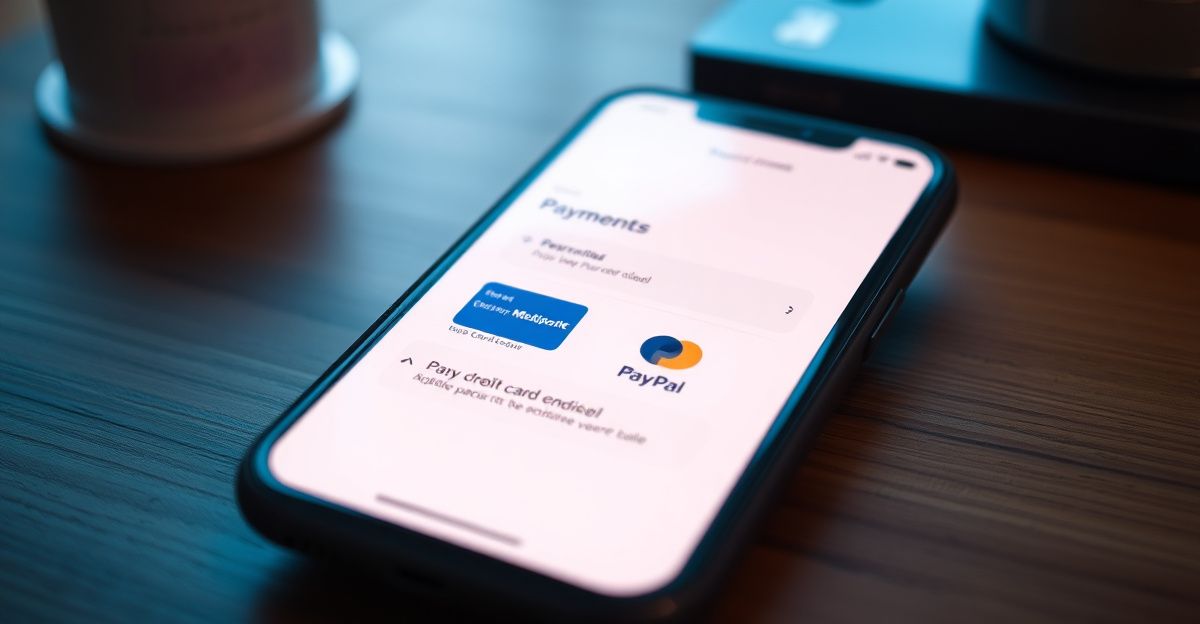
Credit cards from major providers (Visa, Mastercard, American Express) are accepted. PayPal offers an alternative for users who prefer not to share card details directly. Both methods are available for purchasing credit packs and subscriptions.
Credit Packs and Subscription Plans
SoulGen operates on a token economy. You buy credits (tokens) to generate images, videos, or chat with AI characters. Typical token packs are $4.99 for 100 tokens, $19.99 for 500 tokens, and $49.99 for 1500 tokens. Subscriptions may offer monthly allowances at a discounted rate. For example, a Premium subscription at $9.99 per month might include a set number of tokens plus unlimited chat.
It is important to note that unused tokens expire after 12 months of inactivity. Also, the refund policy states that you can get a refund within 14 days only if you have not used any credits or images. Once you use any, refunds are not available.
How to Add a Payment Method
After signing up via email or Google, you can add a payment method by going to your account settings and selecting 'Billing' or 'Credits'. Choose your desired credit pack or subscription, then select credit card or PayPal. Enter your details or log into PayPal to complete the transaction. The credits are added to your account immediately.
Last month, I tried adding a payment method and was surprised that PayPal required linking my account to a third-party processor. I noticed the interface asked for PayPal login, then redirected to a page that said 'Authorize SoulGen.' After confirming, the credits showed up instantly. This seamless process made me wonder about the security of my financial data.
Security and Privacy Considerations
Since SoulGen uses third-party payment processors, your financial data is encrypted during transmission and storage. The platform itself stores only a reference to your payment method, not the full details. However, you should be aware that SoulGen retains chat logs for 90 days after account deletion and anonymized analytics indefinitely. If privacy is a concern, you can delete your account and request data removal via account settings.
Common Issues and Tips
Some users report billing issues such as unexpected charges or failed refunds. To avoid these, always check the refund policy before purchasing. If you encounter a problem, contact customer support. Also, note that the free version is limited; many features require credits. You can earn free credits through daily login bonuses or by completing challenges, as outlined in the SoulGen free credit guide.
If you plan to use SoulGen regularly, a subscription may be more cost-effective than buying individual credit packs. Compare the token costs per feature: image generation might cost 10 tokens per image, while video generation could be 50 tokens. Check the SoulGen tokens and credits page for exact pricing.
Before you buy, check the refund policy one more time: you have 14 days only if you haven't used any credits. So, what's your first move? Generate a free image with the daily bonus, or jump straight into a subscription?
Comments
No comments yet.
Leave a comment
Your email will not be shown. Comments are reviewed before they appear.