

By 7am on a Tuesday in January, I had already drafted a character, scripted her opening line, and rendered a 15-second clip, all before my second coffee. That pace is why tools like SoulGen matter for solo creators. It bundles text-to-image, image-to-video, character creation, and Soul Chat under one login, so you can sketch a concept in the morning and post a finished clip by lunch. Below you will find a practical walkthrough, honest limits, and a workflow you can adapt to your channel.
What SoulGen actually does for a creator
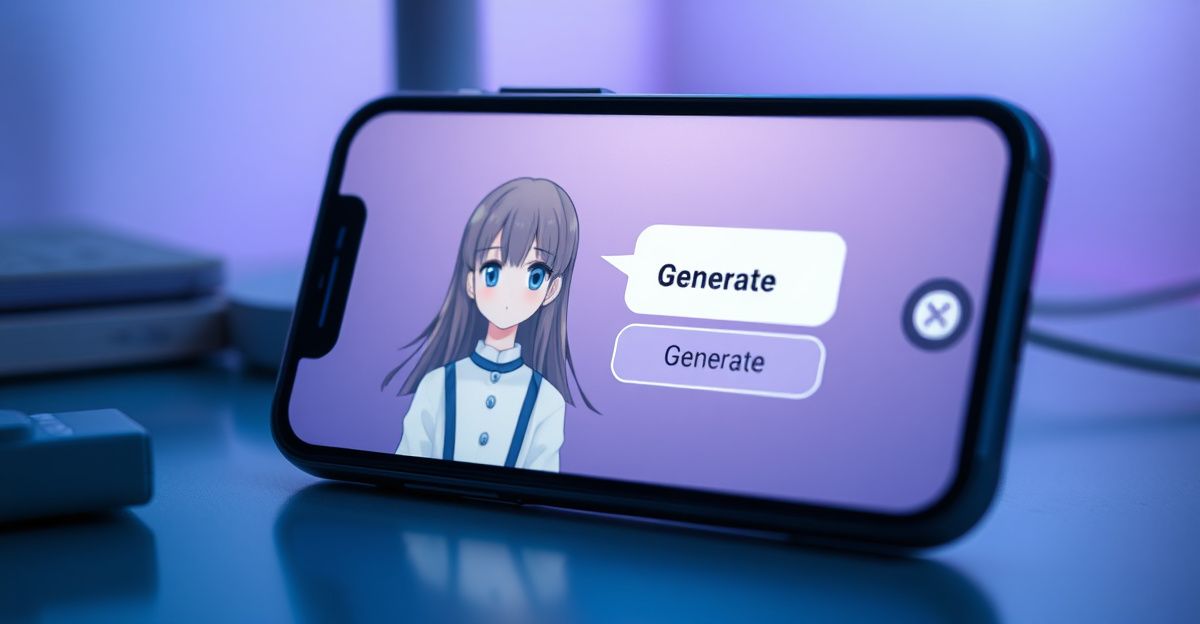
At its core, the platform turns prompts and reference photos into visual assets. You can generate stills in realistic, anime, or DreamTwin styles, then push a still into the AI video generator to add motion and lip-synced speech up to 20 seconds at 720p or 1080p. Soul Chat lets you talk with a character you built, which is useful for scripting dialogue before you animate it. Outpainting extends a frame when your composition needs more headroom, and prompt-based image editing swaps outfits, backgrounds, or lighting without a second shoot.
The brand sits under Synapse AI Limited in Causeway Bay, Hong Kong, registration number 76954156. That matters when you decide where your data lives and which jurisdiction handles disputes. For UK creators, this is a non-EU processor, so check your own client contracts before uploading sensitive reference material.
A realistic creator workflow, step by step
Picture a weekly Reels series about a fictional barista. Here is how you can build one episode without leaving the platform.
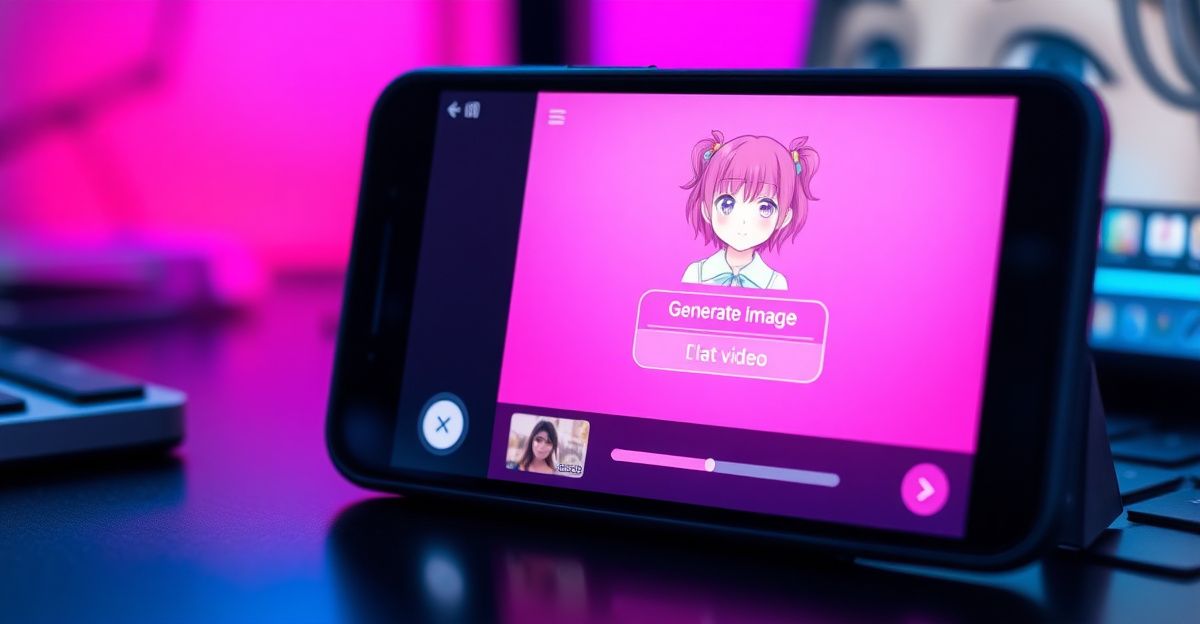
Start by defining the character once. Use a detailed prompt: hair, age range, wardrobe, lighting mood, and the camera angle you want. Save the seed image so every future episode shares the same face. Next, write the dialogue in Soul Chat to test how the character speaks. Reflect on the tone, tighten the script, and copy the final lines into your video brief.
Then generate three still variations of the scene you need. Pick the strongest frame, run it through the AI video generator, and add the spoken line. Keep clips at 15 to 20 seconds so lip-sync stays clean. Finally, download, drop the file into your editor of choice, and layer captions, b-roll, or music. This loop, once you practise it, takes roughly 30 to 45 minutes per episode.
Token planning before you press generate
Credits disappear faster than new users expect. Image generations, video renders, and re-rolls each draw from the same pool. Map out how many assets one piece of content really needs: one hero still, two backups, one 15-second clip. Build that estimate into your editorial calendar. Remember the refund rule: once any credits or images have been used, you cannot claim money back, so test prompt phrasing on smaller jobs before committing to a 30-shot campaign.
Where SoulGen fits against other tools
Midjourney still leads on painterly stills, RunwayML pushes further on cinematic motion, and Character.AI focuses purely on conversation. SoulGen's pitch is the bundle. You trade some specialist depth for the convenience of building character, voice, and scene in one place. For solo creators producing 3 to 5 posts a week, that consolidation often beats juggling four subscriptions.
If your channel leans toward illustrated storytelling, pair the platform with a dedicated editor like CapCut or DaVinci Resolve. The AI handles generation; your editor handles pacing, sound design, and brand polish. Treat SoulGen as your shot list, not your final cut.
Using the chat side to sharpen your craft
In mid-January I spent about 20 minutes with the chat feature role-playing a pitch meeting for a brand deal. I framed the character as a sceptical marketing director, then practised my opening line, my rate justification, and my close. The feedback on tone was sharper than I expected, and it surfaced filler words I had stopped noticing. If you negotiate sponsorships, try this: set a clear goal, brief the character on the buyer persona, and run the conversation twice. The second pass always feels more confident.
You can apply the same pattern to scripting voiceovers or rehearsing on-camera intros. Practice is practice, even when the partner is synthetic.
Safety, rights, and what stays off the platform
SoulGen prohibits content involving minors, non-consensual themes, hate speech, and impersonation of real private individuals. Prompts are scanned before generation and outputs are reviewed by automated classifiers. Violations trigger warnings, suspensions, or bans, so keep your prompts on the right side of the policy even when you are exploring edgy creative territory.
On rights: because each video is generated from your specific input, you generally hold usage rights and may publish commercially, provided nothing in the output infringes third-party material. Do not feed in copyrighted character designs or celebrity likenesses. For brand work, get written client approval that AI-generated assets are acceptable, since some agencies still require disclosure under GDPR-era transparency norms (GDPR itself took effect in 2018 and continues to shape UK practice).
Storage and the 7-day rule
Anything you create but do not publish to the community is auto-deleted after 7 days. That is a privacy win, but a workflow risk. Download every asset you might reuse the moment it finishes rendering. Build a local folder structure by character name and episode number, and back it up to your own cloud. You can read more practical setup tips in our guides on soulgen for artists, the soulgen ai video generator, and broader soulgen strategies.
Honest limits worth knowing
Try this next: block 45 minutes tomorrow morning, build one barista character, and render a single 15-second clip end to end. Save the seed image, name the folder by episode number, and note how many credits the run consumed. That one test will tell you more about whether SoulGen fits your channel than any review I can write. What is the first character you want to bring to life?
Comments
No comments yet.
Leave a comment
Your email will not be shown. Comments are reviewed before they appear.