
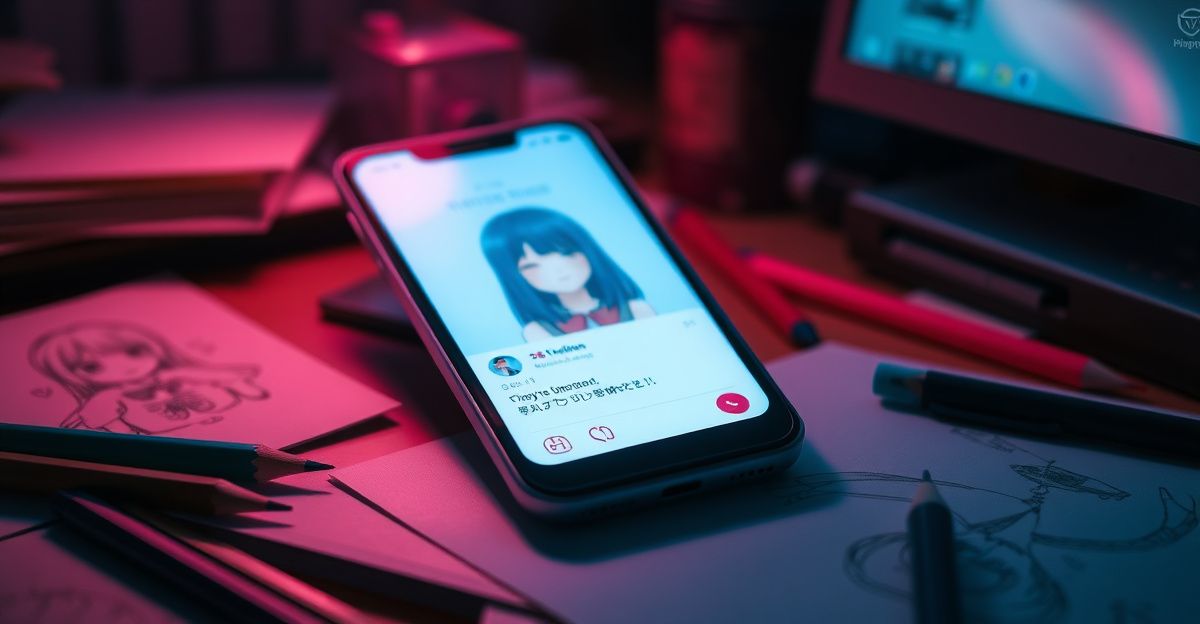
On a quiet Sunday in March, I watched an illustrator friend render twenty variations of the same character while her tea was still warm. That is the promise SoulGen makes to visual creators, and it is a promise worth testing carefully. This guide walks you through how to fold the platform into a real creative practice, from first prompt to finished portfolio piece, with the licensing and privacy notes most reviews skip.
What SoulGen actually offers a working artist
At its core, the platform bundles several generators that usually live in separate tools. You get text-to-image for concept work, AI video generation from a still or a prompt (with realistic lip-sync, up to 20 seconds in 720p or 1080p), prompt-based image editing, and outpainting to extend a canvas you have already drawn. Soul Chat lets you build a recurring character and talk to them, which is surprisingly useful for writing dialogue, designing a comic protagonist, or stress-testing a brand mascot.
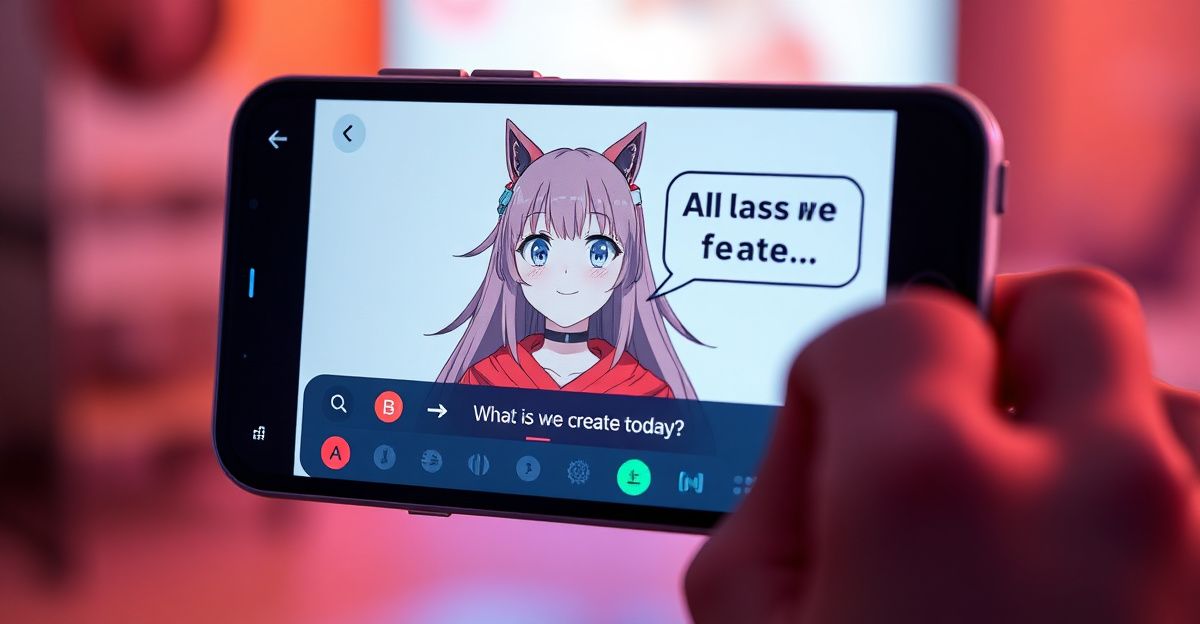
For an illustrator or designer, the practical value sits in iteration speed. A mood board that used to take an afternoon of scrolling Pinterest can land in fifteen minutes. A client wants the same character in three outfits and two lighting setups? You can render that before the next meeting. If you want a softer entry point into the toolset, the what-is-soulgen overview covers the basic anatomy of the product.
Building a creative workflow you will actually use
Try this structure for your first month: one tool, one project, one feedback loop. Pick a single feature, perhaps text-to-image, and commit to a small project like a 12-card tarot deck, a character sheet for a short comic, or album artwork for a friend's EP. Constraints sharpen creativity faster than open-ended play.
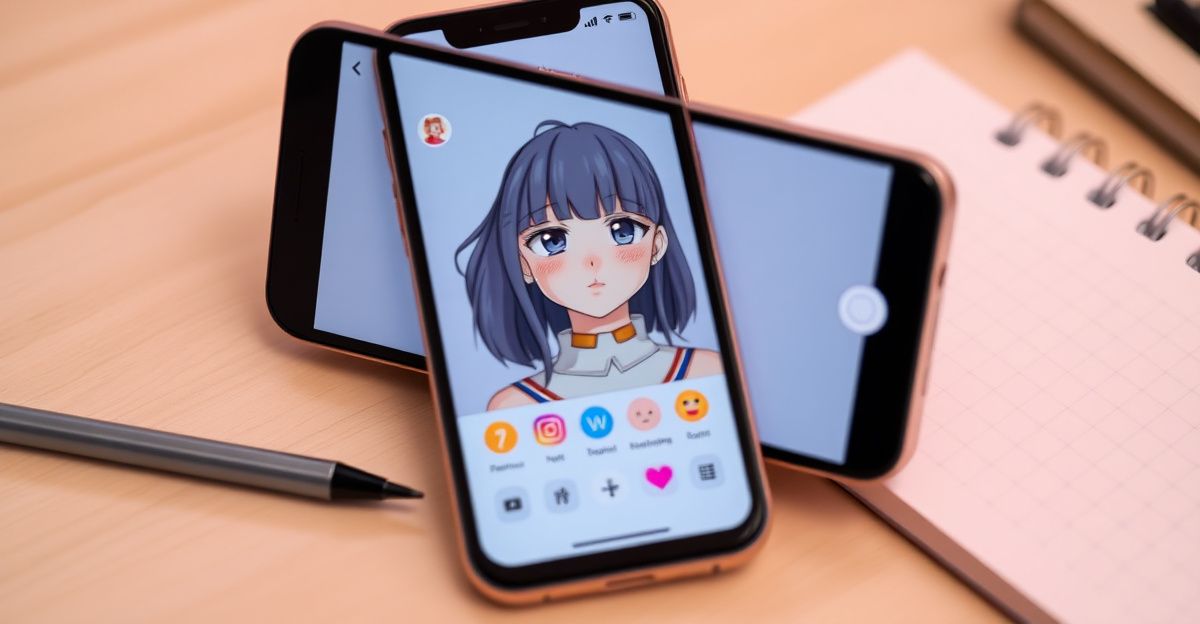
Step by step, here is a workflow I have seen artists settle into. First, write a one-sentence brief in plain English describing the mood, subject, palette, and medium. Second, draft three prompt variations with different anchor words, things like "oil painting," "risograph print," or "matte concept art." Third, generate small batches, no more than four images per prompt, so you stay critical rather than dazzled. Fourth, pick one image and use the editor or outpainting to refine it. Fifth, export, sketch over it in Procreate or Photoshop, and finish by hand. The AI is your underpainting, not your signature.
Prompting like a director, not a search engine
The artists who get the most from SoulGen treat prompts like film direction. Instead of "a girl in a forest," you can describe the camera, the light, the emotion, and the reference. "Three-quarter portrait of a tired botanist in a moss-lit greenhouse, soft window light from the left, painterly brushwork inspired by mid-century European illustration" produces something usable. The first version still wanders.
Reflect on the structure: subject, action, environment, lighting, style, and aspect. Keep a personal prompt journal, a simple text file where you log what worked. Over a few weeks you will build your own vocabulary, and that is where confidence grows. If you want quick wins while you learn, the soulgen-tips-for-beginners notes cover sensible defaults.
Using character chat for narrative projects
Last Tuesday evening I sat down with a SoulGen character I had built for a graphic novel pitch, a stoic harbour pilot in her sixties. I wanted to test her voice before drawing a single panel. She asked me probing questions about her own past, things I had not bothered to write down, and by the end of the session I had a clear step-by-step plan for the opening chapter, including two scenes I would not have invented alone. You can try this too. Reflect on a specific feeling your character would carry, then let the chat guide the conversation. It is closer to method acting than to writing.
Video, lip-sync, and short promo work
The soulgen-ai-video-generator is where many artists find unexpected commercial value. A 20-second talking-portrait clip, generated from your own illustration plus a script, makes a strong Instagram reel for an exhibition, a Kickstarter update, or a client teaser. Lip-sync quality has improved considerably across the AI video space since 2023, and SoulGen's output sits in a respectable bracket for short social content.
Practical tip: write your script first, time it to roughly 45 to 55 words for a 20-second clip, then choose a still that has a clear, well-lit face. Side-profile or heavily stylised drawings sometimes confuse the lip-sync model, so test before you promise a client.
Costs, credits, and what the free tier really gives you
I ran my own small experiment last month: I burned through 100 tokens in a single afternoon building a six-panel comic mock-up, and the free tier ran dry before I had finished the second panel. The free allowance is genuinely useful for sampling but limited in volume. Most serious work runs on credits or a subscription, with token packs in the AI companion space typically starting around 4.99 for 100 tokens and scaling to roughly 49.99 for 1500. Image generation usually costs more credits than text chat, and video costs more again. Budget for the medium you actually want to make.
A note on refunds, because this catches people out: the platform's policy permits refunds within 14 days for unused subscriptions or credit packs, but not once any credits or images have been used. Test the free tier first, decide what you need, then buy.
Licensing, privacy, and the 7-day question
Commercial use of generated work is permitted, provided your inputs do not infringe third-party rights. That means no prompts referencing living celebrities, no copyrighted character names, and care with style prompts that name a specific living artist. For original characters and generic style descriptors, you are generally on safe ground for client work, merch, and print sales.
The detail many artists miss: creations not posted to the community gallery are stored for 7 days and then automatically deleted. If you generate something you love on a Monday, download it before the next Monday. I keep a dated folder per project and export every keeper the same day. Synapse AI Limited, registration number 76954156, operates the service from Hong Kong, and payment data is handled through third-party processors rather than collected directly.
Which AI tool is best for artists, really
Open a calendar right now and block two Saturdays this month: one to render a single finished piece in SoulGen end to end, and one to do the same brief in Midjourney or Stable Diffusion. Compare the two on the metric that actually matters to your practice, whether that is painterly texture, character consistency, or time from prompt to print-ready file. Which feature will you stress-test first, the character chat for a narrative project, or a 20-second lip-sync clip for your next exhibition reel?
Comments
No comments yet.
Leave a comment
Your email will not be shown. Comments are reviewed before they appear.