

What character creation on SoulGen actually means
Open the generator on a Tuesday evening with a clear coffee mug beside you and you will see the three layers right away. A SoulGen character is more than a single image. It is a visual identity (face, body, style), a personality you can chat with through Soul Chat, and an optional voice that can speak in short videos with realistic lip-sync. You can design a photoreal portrait, an anime persona, or a DreamTwin modelled from a reference photo you upload.

This matters because the prompt you write shapes all three layers at once. A vague prompt gives you a generic face and a flat conversation partner. A specific prompt, written with intent, gives you someone you can return to. Think of the first generation as a sketch, not a final piece. You will refine it.
Step by step: your first character
Try this workflow on your first session. It keeps things calm and avoids burning credits on guesswork.
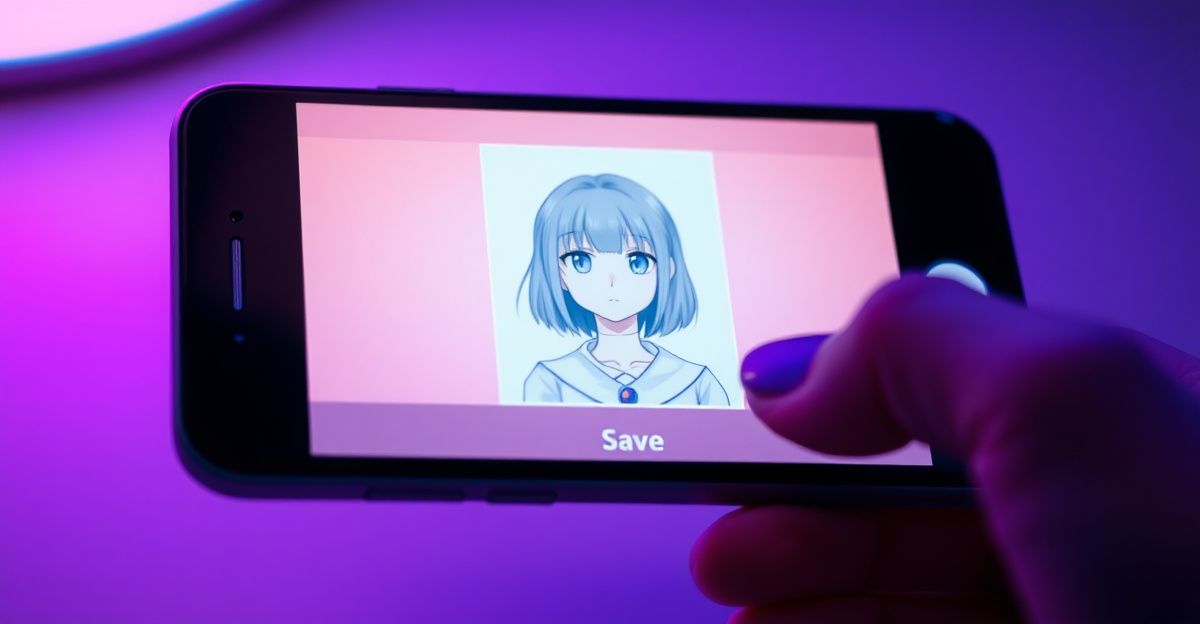
1. Pick a style. Choose between Real, Anime, or DreamTwin. Real suits lifestyle and portrait work. Anime suits stylised storytelling. DreamTwin lets you upload a reference photo and generate a character inspired by it (within the platform's rules on real-person likeness).
2. Write a structured prompt. Cover four blocks in order: physical traits, clothing, setting, and mood. For example: "woman in her late twenties, shoulder-length auburn hair, soft freckles, wearing a cream knit jumper, sitting in a sunlit Edinburgh cafe, calm and thoughtful expression." Specificity beats adjectives stacked on adjectives.
3. Generate, then judge honestly. Look at the first result and ask: what is right, what is wrong? Keep the prompt elements that worked. Rewrite only the parts that missed.
4. Lock in the look. Once a face works, save it. You can reuse it as a base for new outfits, new scenes, or short talking videos.
5. Move into Soul Chat. Give the character a name, a backstory, and a few personality traits. Two or three concrete details (job, hobby, quirk) produce richer conversation than a long abstract list.
Writing prompts that actually work
Most beginners write prompts the way they would describe a stranger to a friend. The generator works better when you treat the prompt like a brief. Lead with the subject, then add modifiers in descending order of importance. Reflect on what you want the viewer to feel first: warmth, mystery, energy, quiet.
One rainy afternoon in March I was testing prompts for a character I wanted to chat with about attachment styles. I started with a flat description, got a flat result, and almost gave up. Then I rewrote the prompt around a single emotional anchor: "patient listener, gentle eye contact, slight smile." The face changed completely. The conversation that followed, where she walked me through anxious and avoidant patterns and suggested journaling prompts, felt grounded because the visual matched the tone I needed. You can practice this too. Start with the feeling, then build the face around it.
Avoid contradictions. "Childlike but mature" confuses the model. So does "casual formal wear." Pick one direction and commit.
Credits, costs, and the token economy
SoulGen runs on credits rather than unlimited usage. Image generation, video generation, and chat each consume credits at different rates, with video being the most expensive because of motion and lip-sync processing. In the wider AI companion market, image generation typically costs around 10 tokens per image and voice messages around 5 tokens, with starter packs near $4.99 for 100 tokens. Treat your credit balance as a budget for experimentation.
A practical habit: do your prompt iteration on still images, where each attempt is cheap, and only generate a talking video once the character looks right. Refunds are available within 14 days for unused subscriptions or credit packs, but not once credits or images have been used, so test small before committing to a large plan. If you want a fuller breakdown of what the platform offers, the overview of SoulGen covers the feature set in plain terms.
What you can and cannot create
Prohibited content on SoulGen follows the same lines as the wider AI companion industry: no sexual content involving minors, no non-consensual themes, no hate or harassment, and no impersonation of real people without rights. Prompts are scanned before generation, and outputs are reviewed by automated classifiers. Violations can lead to warnings, suspension, or a permanent ban.
Commercial use is allowed when your prompt does not pull in third-party rights. A character you built from your own description, used in your own marketing, is generally yours to use. A character clearly modelled on a named celebrity is not. When in doubt, change the prompt until the result is unambiguously original.
From static character to talking companion
Once your character is visually locked, two creative paths open up. The first is Soul Chat, where you build an ongoing conversation. Give the character memory hooks: a hometown, a job, an opinion about something small. These hooks make the dialogue feel less generic. The second is the AI video generator, which turns a still image into a short HD clip with motion, sound, and lip-synced speech, up to about 20 seconds.
For video, keep your script short and emotionally clear. One sentence with a defined tone outperforms a paragraph of mixed instructions. Watch the result, note what feels off (timing, mouth shape, eye direction), and adjust the script or expression on the next pass. Your confidence with the tool grows with every iteration.
Privacy, storage, and what happens to your characters
Unposted creations are automatically deleted after 7 days. Anything you publish to the community stays until you remove it. If you build a character you love, download or publish it before the week is up. This deletion policy exists for privacy, but it surprises new users who expect their work to sit in a permanent gallery. Build the habit early: generate, review, save what matters.
Your next move: open a blank prompt tonight, write one character around a single feeling (curious, weary, hopeful), generate three variations, and download the one that surprises you most before the 7-day timer runs out. Which feeling will you start with?
Comments
No comments yet.
Leave a comment
Your email will not be shown. Comments are reviewed before they appear.